Jam AIJam AI Join Club Jam 🧡
1 / 1
AI training with Jam

Create pro visuals with ChatGPT Image 2.0

Product photos, headshots, social graphics, banners, packaging. Made by typing a sentence. No designer, no studio, no $2,000 photo shoot.

scroll or press →
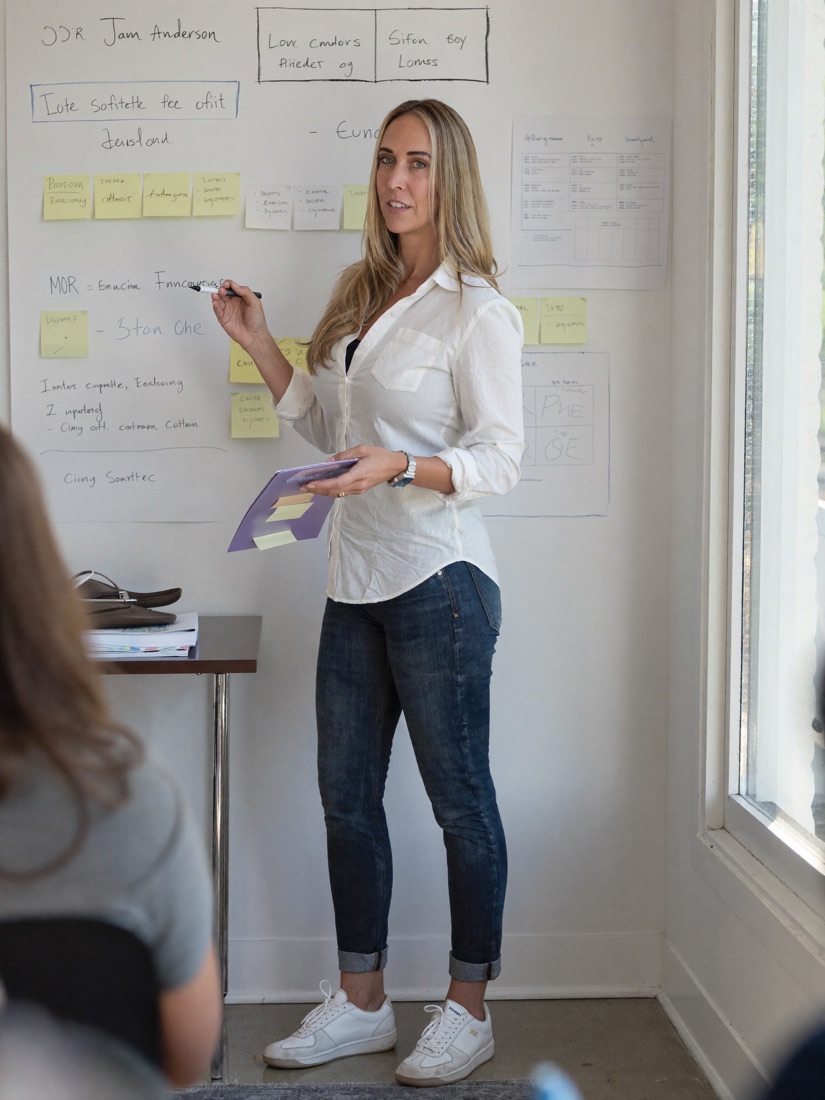
Robyn 'Jam' Anderson presenting
Hi, I'm Jam

I teach AI to people who don't write code.

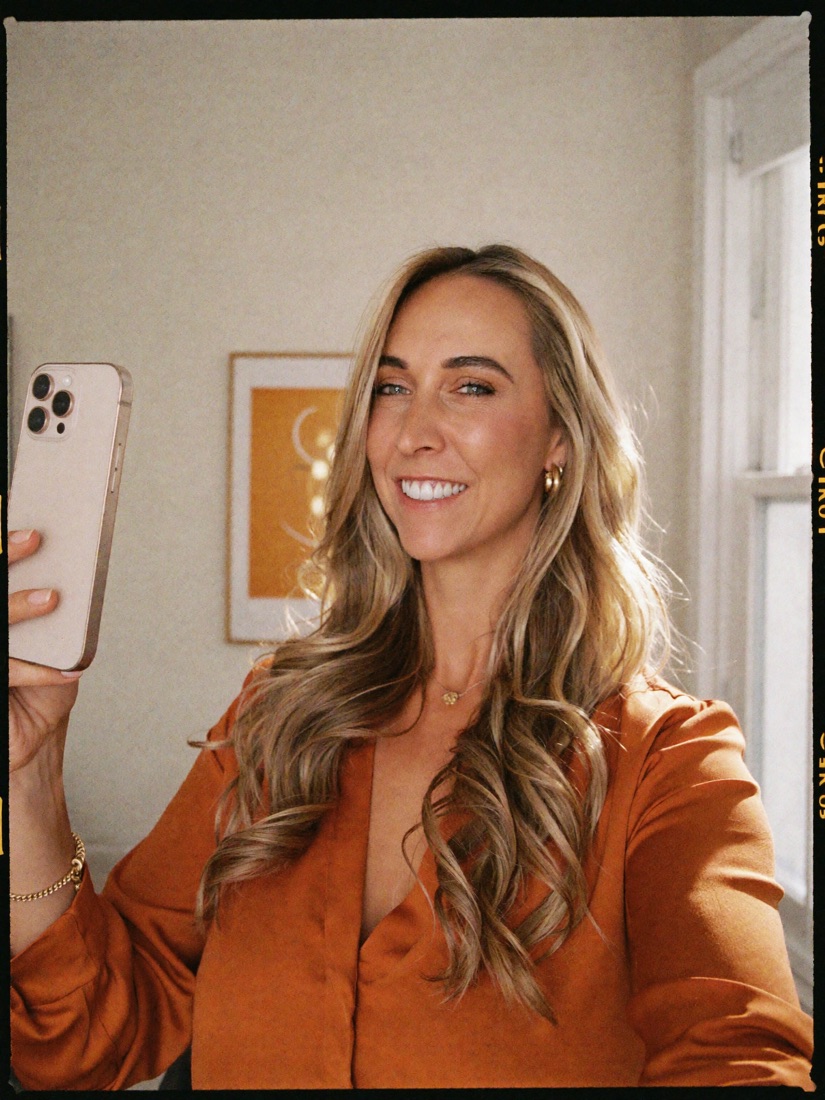
I'm Robyn "Jam" Anderson, founder of Jam AI. I've trained over 7,500 business owners to actually use AI in their work, and I speak for SCORE, the SBA and FedEx. My whole thing is making this stuff simple, fun, and something you can use the same day. Fun fact: this photo of me was made with AI too.

Why this matters

Every business needs visuals. Most can't afford a designer on speed dial.

Product photos, social posts, headshots, website banners, packaging mockups. It used to mean photographers, studios, stock subscriptions, and real money. Not anymore.

Look closely

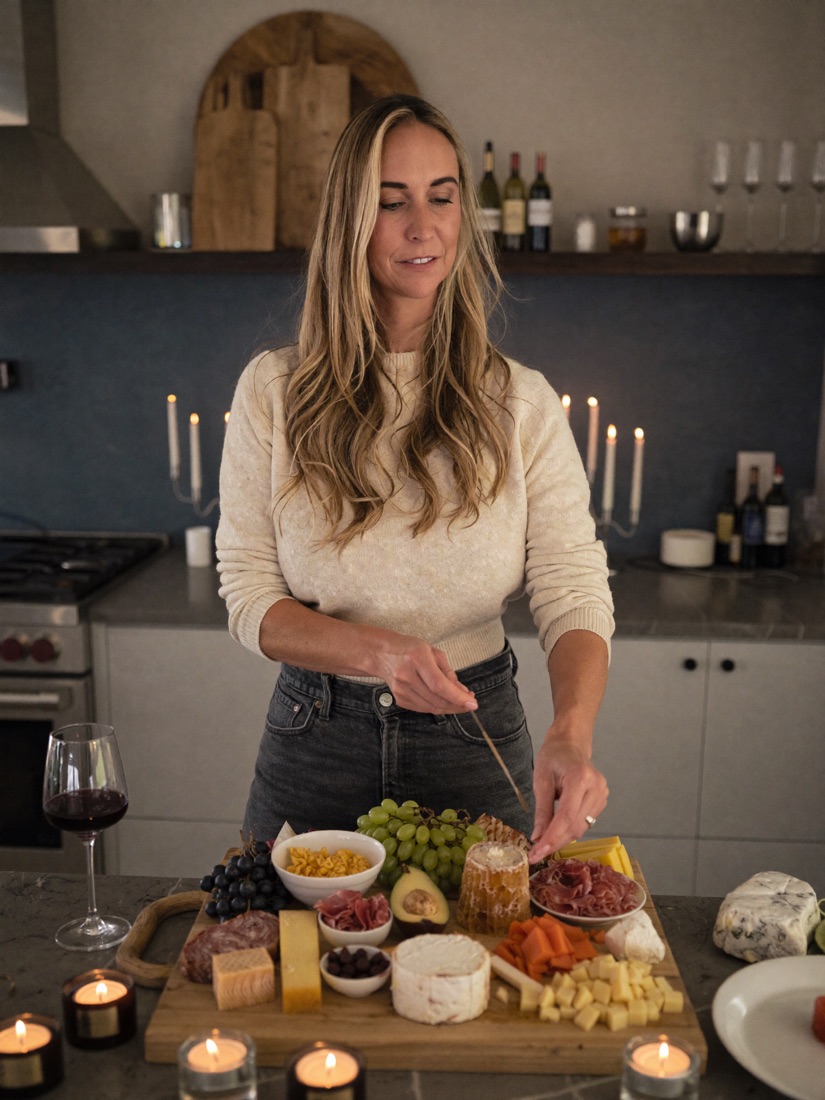
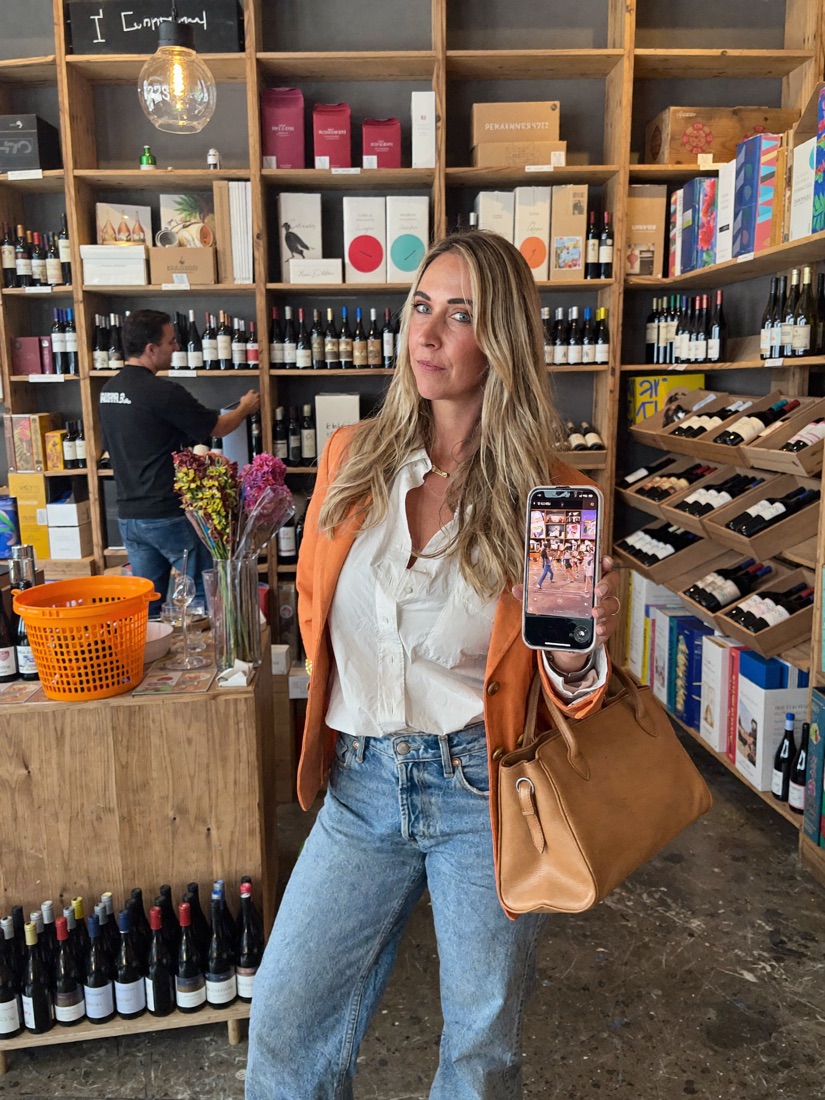
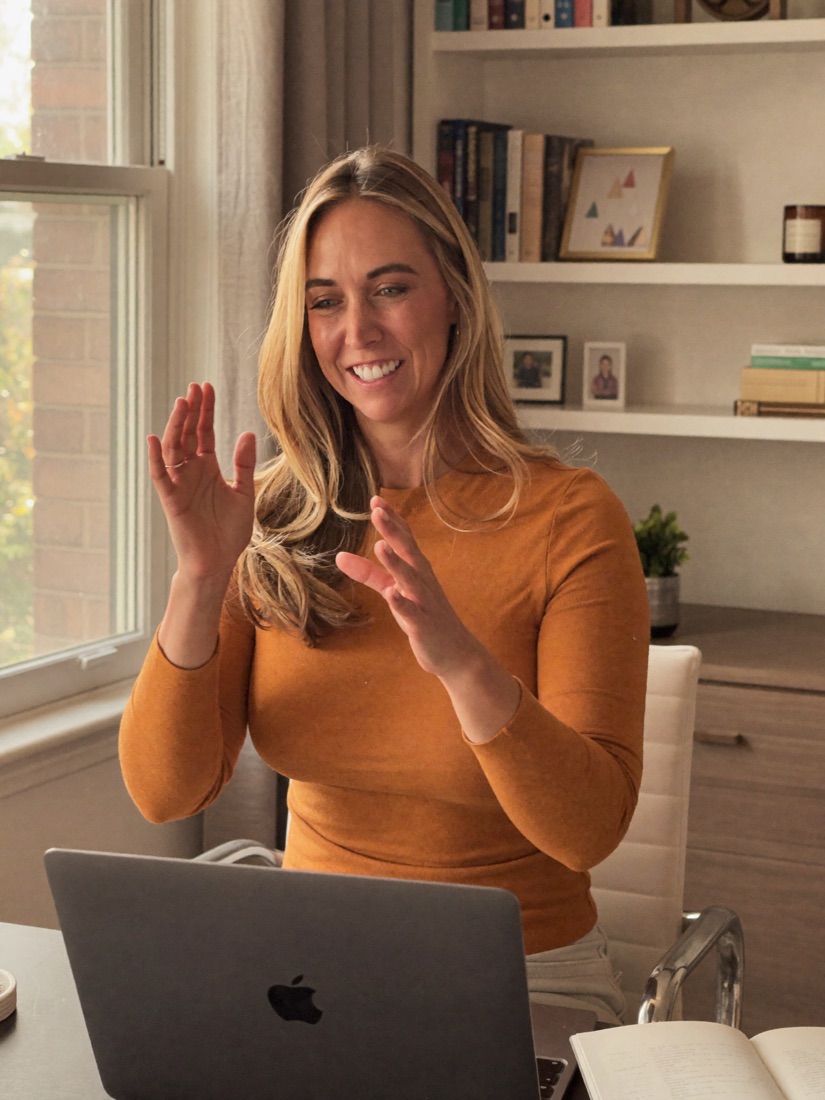
Every one of these photos is AI.

Not a single one is a real photo shoot. No camera, no studio, no travel. Just prompts. This is what you can make for your own brand.
The tool

Meet ChatGPT Image 2.0.

OpenAI released it in April 2026, and it changed the game. It renders readable text inside images, follows complex layout instructions, and produces results that genuinely look like a professional studio shot. It is available to every ChatGPT user, with advanced features on paid plans.

Why it's different

It can finally spell.

Old AI tools could not handle text. Ask for a label that says "Midnight Roast" and you got "Midnght Rosat." Not client-ready. Image 2.0 has built-in reasoning: it thinks through text placement and layout first, then generates. The result is text that reads correctly and layouts that follow your instructions.

Two quick words

The only vocabulary you need.

🧠

Thinking mode

A paid mode that adds web search, up to 8 images per prompt, and self-checking for higher quality.

🚫

Negative prompt

Telling the model what to avoid, like "no plastic skin, no extra limbs," to prevent the usual AI weirdness.

What we'll make today

Four kinds of visuals, real prompts you can steal.

1 · Business visuals

Product photos, packaging, promos, before-and-afters.

2 · Website & content

Banners, blog thumbnails, infographics, testimonials.

3 · Headshots & portraits

Studio-quality headshots and lifestyle photos of you.

4 · Fun & viral

The scroll-stopping, screenshot-worthy stuff.

Bucket one

Business visuals.

Product photos, packaging mockups and promos that used to need a photographer, a studio, and a whole day of shooting.

Make it · E-commerce product photo
Copy-paste promptPhotorealistic studio product photo of a matte black water bottle on a seamless backdrop. Three-point lighting: large softbox key light from top-left, subtle fill from front, soft rim light from back-right. Realistic materials, clean reflections, natural shadow under the product. Shot on a 70mm lens at f/8 for full sharpness. Centered hero shot with a slight angle, premium ecommerce style. Background: very light warm gray. Aspect ratio 1:1.

Swap "matte black water bottle" for your product. The lighting and camera specs work for almost anything on a white or gray backdrop.

Make it · Packaging mockup
Copy-paste promptA close-up of a brown kraft paper coffee bag standing upright. The label is perfectly legible and says "MIDNIGHT ROAST" in bold black vintage typography. Small coffee beans scattered around the base. Realistic paper texture.

Put your real brand name and product in the quotes. The text will render clean and readable.

Make it · Promo banner & before / after
Promo bannerA flat-lay photo of a high-end skincare set on a marble surface, surrounded by pink peony petals. Soft natural light. Clean white text at the bottom reads "7-DAY GLOW" in a modern serif font.
Before / after1:1 before/after image. Left "BEFORE": messy cluttered home office, dim lighting. Right "AFTER": clean organized desk, serene natural light. Text band between the halves: "Stop drowning in spreadsheets." CTA bottom-right: "Try it free." Brand name in corner: "FLOW."
Bucket two

Website & content visuals.

The imagery that makes someone stop scrolling: banners, click-worthy blog thumbnails, infographics, and testimonial cards.

Make it · Blog thumbnail & testimonial card
Blog thumbnailA split-screen image. Left: a frustrated person looking at a messy pile of papers. Right: the same person smiling, holding a clean tablet. High-contrast colors, expressive faces. Central text overlay in bright yellow: "THE FIX."
Testimonial quote card1:1 social quote card. Soft neutral linen background. Large opening quote mark top-left in light gray serif. Center quote in clean serif: "The best advice I ever got cost me $500 and saved me 18 months." Attribution below in italic: "Name, Founder." Bottom-right: small portrait circle. Premium testimonial aesthetic.
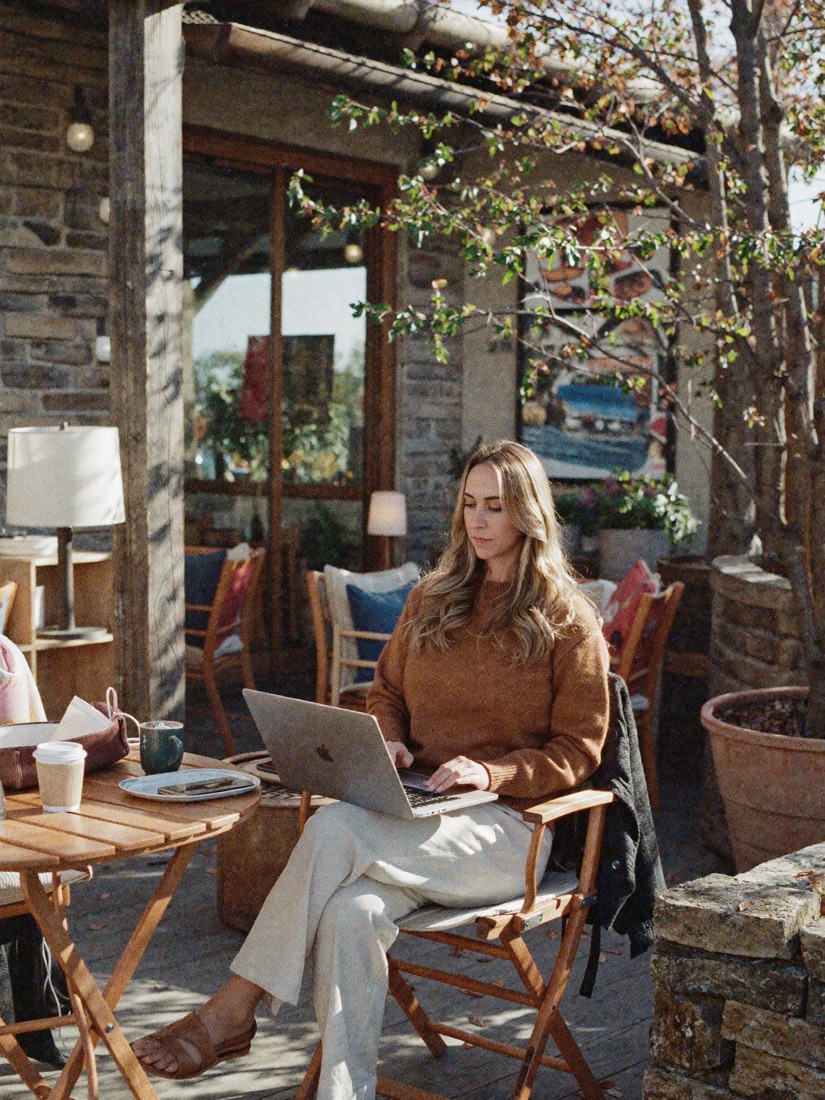
AI lifestyle portrait of Jam working at a cafe
Bucket three

Headshots & portraits.

Studio-quality headshots used to cost $200 and a half day. Now you can make them, and lifestyle photos like this one, with a prompt. Perfect for your About page, your speaker bio, and LinkedIn.

Make it · LinkedIn headshot
Copy-paste promptPhotorealistic professional headshot of a [30-year-old woman], friendly confident expression, natural skin texture, no heavy retouching. Lighting: soft window light from camera-left, subtle fill, gentle catchlights in the eyes. Background: simple office blur, neutral colors. Shot on an 85mm lens at f/2, sharp eyes, soft background bokeh. Shoulders-up, centered, clean and modern. Aspect ratio 4:5.
The secret to real-looking people

Kill the "plastic" AI look.

Add physical detail to your prompt: "visible pores, fine micro-details, subtle peach fuzz, a natural skin sheen, true-to-life color." Then add a negative prompt to forbid the fake look:

Negative promptplastic skin, waxy texture, beauty filter, airbrushed, CGI, 3D render, doll-like, uncanny valley.
Pro move

Name a lighting style, get a magazine look.

🌗

Rembrandt

Moody and dimensional, with a small triangle of light under one eye.

🦋

Butterfly

High-fashion beauty light from above, soft and flattering.

Split

Bold and dramatic, lighting exactly half the face.

Bucket four

Fun, creative & viral.

The shareable stuff that makes people laugh, double-take, or screenshot for later. Perfect for engagement posts and showing your personality.

Absurd, treated seriously

Ridiculous ideas, cinematic quality.

🦙

Corporate Llama Apocalypse

Llamas in business suits storming a Manhattan trading floor. Hyperreal.

🦕

Dinosaurs at the DMV

A T-Rex waiting in line, a Triceratops filling out a form. Photoreal.

🛡️

Medieval Zoom Call

A Zoom grid of knights and wizards. The dragon is muted.

Upload a photo, transform it

Turn yourself into anything.

  • 🎨 Renaissance painting: upload a photo of you or your dog and ask for a Renaissance oil painting.
  • Cartoon you: Studio Ghibli, Pixar, a LEGO minifigure, or a Simpsons character.
  • 🏠 Your room as a toy: upload a room photo, ask for a cute tiny 3D isometric version.

Protect your face: add "Keep my facial features exactly as they appear in the uploaded image, same eyes, nose, mouth, and face shape."

Make every prompt better

Five pro tips.

  • 1 Use camera jargon. Name lenses (85mm), f-stops (f/1.8), and lighting angles. The model speaks photography.
  • 2 Specify your aspect ratio. 16:9 for banners, 9:16 for Stories, 1:1 for posts. Always say it.
  • 3 Use negative constraints. Tell it what to avoid: "no extra limbs, no plastic skin."
  • 4 One edit at a time. Change the background first, then the jacket. Not both at once.
  • 5 Protect your face when uploading a reference photo of yourself.
Open ChatGPT
Live demo

Show: paste the product-photo prompt and swap in a real product. Generate it live, then tweak the background color or aspect ratio so they see how fast it iterates.

Open ChatGPT
Live demo

Show: upload a selfie and run a fun transformation (Ghibli or Renaissance), with the face-protection line. Then generate a clean LinkedIn headshot from the same photo.

Take it all home

Want all 30+ prompts?

Every prompt from today, plus the ones we did not get to (infographics, app mockups, comic strips, 8-bit worlds, and more) live in one blog post you can copy and paste from.

Get the 30+ prompts →
Your takeaway

You are the designer now.

  • Describe what you want like you are briefing a photographer.
  • Add camera specs, a lighting style, and an aspect ratio.
  • Use a negative prompt to kill the fake AI look.
  • Iterate one change at a time until it is perfect.
Keep building with me

This is a normal week in Club Jam.

We learn tools like this together every week, in plain English, with live help. Bring your business and we will make AI work for it.

Join Club Jam 🧡 Scan to join Club Jam
Scan the code or tap the button. 7-day free trial.

7,500+
owners trained
93%
member retention
70+
on-demand courses
5 to 15
minutes a day